
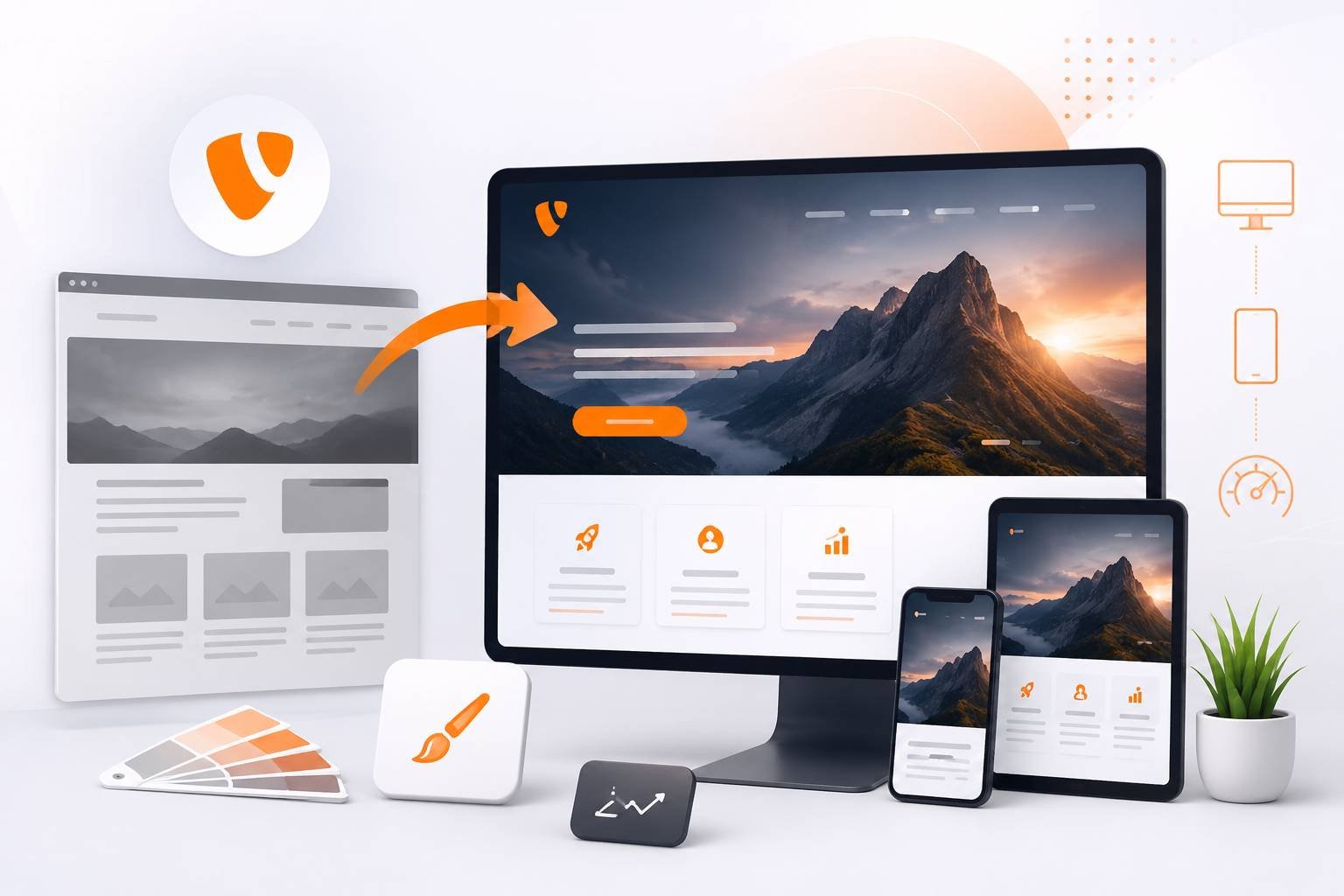
Most TYPO3 redesign projects do not begin with a design idea. They begin with a warning in the backend, an ageing extension that no longer installs, a hosting provider announcing the end of PHP 8.1, or an editor who has quietly stopped updating a section of the site because the form is too confusing.
The design question comes later, once someone realises that the site also looks like it was built in 2017. That mix of technical debt, editorial frustration and outdated visual design is what makes a TYPO3 relaunch different from a redesign on a smaller CMS.
A TYPO3 installation that has been running for six or eight years usually carries a lot of history: custom TypoScript written by three different agencies, extensions that were forked and never updated, page trees that grew organically, and content elements built for a template that no longer exists. Modernising that site means dealing with all of it, not just the stylesheet.
This guide walks through how such a project actually runs: what to check before you commit to anything, how to decide between upgrading and rebuilding, what the version situation looks like at the moment, and where relaunches typically lose search visibility or blow the budget.
Redesign, upgrade and relaunch are three different projects
These words get used interchangeably in briefings, and that causes real problems when the quote arrives.
A redesign in the narrow sense means new templates and new frontend code on top of the existing installation. The page tree stays, the content elements stay, the extensions stay. This is the cheapest option and it works when the underlying system is healthy.
An upgrade means moving the core from one major version to another, updating or replacing extensions, and adapting custom code to the current APIs. Visually, nothing needs to change at all.
A relaunch covers both, plus content strategy, information architecture and often a new editorial concept. It is a larger project with a longer runway.
Many sites need all three, but not necessarily at the same time. Splitting them into two phases (technical upgrade first, design second, or the reverse) is often more realistic than one big-bang project, especially for companies with a small internal team.
Doing the upgrade first has one clear advantage: you build the new design on the APIs you will actually be using for the next few years, rather than porting fresh templates twice.
Start with an audit, not a wireframe
Before anyone opens Figma, you need a clear picture of what exists. Two inventories matter.
The technical inventory
Find out which TYPO3 version the site runs and what its support status is. The picture in 2026 is roughly this:
- TYPO3 v14 LTS (released 21 April 2026) is the current stable line, with free maintenance until mid-2029 and paid Extended Long Term Support after that. It requires PHP 8.2 or newer.
- TYPO3 v13 LTS (October 2024) is still supported with free security updates into late 2027, which makes it a legitimate target if v14 is too fresh for your extension stack.
- TYPO3 v12 left free support in April 2026 and is now only covered through ELTS.
- v11 and anything older has no community support at all. ELTS keeps such installations patched, but it is a bridge, not a destination.
Alongside the version, list every installed extension and mark it as core, TER extension with an active maintainer, TER extension that has been abandoned, or custom code. Abandoned extensions are the single most common reason upgrade estimates double.
Check whether the site is Composer-based or still running in legacy mode, which PHP version the server actually uses, how images are processed, and whether there is a working local development setup. If nobody can spin the project up on their machine, that is the first thing to fix.
The Extension Scanner in the Install Tool gives you a fast first read on how much custom code touches removed or deprecated APIs. Tools such as TYPO3 Rector automate a useful share of the mechanical changes, though anything involving custom TCA, hooks or Extbase controllers still needs human judgement.
The content inventory
Export the page tree and look at it honestly. Most long-running sites have entire branches that nobody has opened in years, duplicated landing pages from old campaigns, and PDFs linked from pages that no longer appear in navigation. Pull traffic data for at least twelve months and mark every URL as keep, merge, rewrite or retire.
This is also where you spot the real editorial pain. If editors have built a “table” out of nested text elements because no suitable content element existed, that tells you more about what the new system needs than any workshop will.
In-place upgrade or fresh installation?
There is no universal rule here, but the decision usually comes down to how much of the existing installation you want to carry forward.
An in-place upgrade, stepping through the major versions one at a time and running the Upgrade Wizards at each stage, makes sense when the content is largely worth keeping, the extension stack is maintained, and the customisations are documented. Database records, users, workflows and file references survive. You inherit the good and the bad.
A fresh installation with content migration is usually the better choice when the site still runs on v9 or older, when it uses discontinued templating like TemplaVoila, when the extension list contains several dead dependencies, or when the information architecture is being rebuilt anyway.
You set up a clean v13 or v14 project, build the site package properly, and import only the content that survived the audit. The migration itself can be scripted, done through import and export, or handled manually if the volume is small enough.
One point that gets underestimated: a fresh build does not mean less work on the old system. Somebody still has to understand what the legacy site does before it can be replaced.
Sites with product configurators, protected member areas, ERP or CRM connections and complex form logic need those integrations mapped in detail, because that is where hidden business rules live.
Building the frontend on current TYPO3 foundations
Modern TYPO3 frontends are built as a site package: a single extension holding your Fluid templates, TypoScript, assets and configuration. Everything the site needs to look and behave the way it does lives in version control, which is what makes future upgrades survivable.
Two developments have changed how this is done. Site Sets, introduced in v13, allow configuration to be bundled and shared cleanly between projects and sites, replacing a lot of the TypoScript include gymnastics older setups relied on.
Content Blocks provide a structured, YAML-based way to define custom content elements, and v14 makes this the recommended approach for teams that previously reached for Mask, DCE or hand-written TCA. Combined with Fluid 5 and the default theme that now ships with the core, a new project starts from a far more usable baseline than it did a few versions ago.
For the design itself, a component-oriented approach pays off. Instead of designing thirty individual pages, define a set of content elements (hero, teaser grid, accordion, quote, call to action, media text, table, downloads) with clear rules for spacing, headline levels and image ratios.
Editors then compose pages from tested parts, and the site stays visually coherent even after two years of content additions by people who never saw the design concept. The headless question comes up in most modern briefings. Running TYPO3 as a backend with a decoupled frontend in Next.js or Nuxt is a valid architecture, particularly when the same content feeds an app or several channels.
It also adds a second codebase, a second deployment pipeline and a preview problem to solve. For a corporate website whose main job is marketing and lead generation, a well-built Fluid frontend is normally faster to deliver and cheaper to maintain. Choose headless because of a concrete requirement, not because it sounds current.
Making the backend genuinely usable for editors
The part of a redesign that determines whether people are happy with the new site a year later is rarely the homepage. It is whether the person in marketing can publish a press release in fifteen minutes without asking anyone for help.
Some practical measures that consistently help:
- Define backend layouts that match the actual page types rather than offering a blank canvas with four columns.
- Restrict content element choice per column so that a hero cannot be dropped into a sidebar.
- Set sensible image cropping variants so editors do not need to think about aspect ratios.
- Use clear German labels for fields, not developer shorthand, and hide the fields nobody needs.
- Build the translation workflow deliberately if the site runs German and English side by side, and decide up front whether English pages are connected translations or free-standing content.
Permissions deserve a proper concept too, especially in organisations where several departments maintain their own branches. It is worth writing down who may publish, who may only draft, and whether workspaces are needed for review before publication.
Protecting search visibility through the relaunch
This is where TYPO3 relaunches most often cause measurable damage, and it is entirely preventable.
Every URL that changes needs a redirect. TYPO3 has included the redirect module since v9, and it can generate redirects automatically when a page slug changes, but that only covers changes made inside the CMS.
If the URL structure itself is being rebuilt, or if content is moving from a legacy system into TYPO3, you need a mapping list: old URL, new URL, status code. Crawl the live site before go-live to produce that list rather than working from a sitemap that may be incomplete.
Beyond redirects, the essentials are unglamorous and easy to forget under deadline pressure:
- Keep or improve title tags and meta descriptions on pages that already rank. The core SEO features handle these, along with canonical tags, hreflang and XML sitemaps.
- Check that the staging environment is blocked from indexing and that the block is removed on go-live. A forgotten
noindexin production is a classic and expensive mistake. - Preserve heading structure and body copy on high-performing pages. If the new design cuts a 1,200 word page down to 300 words for visual reasons, rankings will follow the content.
- Add structured data where it applies, particularly for organisation details, events, job postings and FAQ content.
- Re-check internal linking. Pages that lost their inbound internal links during a restructure tend to fade quietly over the following months.
Plan for a dip in the first weeks anyway. Google needs to recrawl and reprocess, and the size of the effect depends on the scale of the change, the site’s authority and how cleanly the redirects were implemented. Monitoring Search Console daily for the first month lets you catch crawl errors while they are still cheap to fix.
Accessibility and legal expectations in Germany
Accessibility has moved from nice-to-have to a planning constraint. Public sector bodies in Germany have been bound by BITV 2.0 for years. Since 28 June 2025, the Barrierefreiheitsstärkungsgesetz extends obligations to a range of private sector products and services aimed at consumers, including many online shops and service portals.
Whether a specific website falls within scope depends on the business, the services offered and company size, so this is a question for legal advice rather than an assumption. What is clear is that a redesign is the cheapest possible moment to address it.
In practice this means designing against WCAG 2.1 AA from the start: sufficient colour contrast, visible focus states, keyboard operability, sensible heading hierarchy, labelled form fields, and alternative text that editors are actually prompted to fill in. Retrofitting these into a finished design costs considerably more than building them in.
Data protection sits in the same category. Hosting inside the EU, self-hosting fonts and other assets rather than loading them from third-party CDNs, a consent solution that genuinely blocks scripts before consent, and a documented processing agreement with the hosting provider are all standard expectations for German sites.
The Munich regional court ruling on embedded Google Fonts in 2022 is a useful reminder of how a small implementation detail can turn into a legal problem.
Planning the project realistically
Timelines vary enormously with scope, but the shape of the work is fairly consistent. Audit and concept take a few weeks. Design and site package development run in parallel with content work.
Content migration and editorial revision almost always take longer than planned, because writing is slower than templating and because content decisions need sign-off from people who have other jobs.
Testing, redirect mapping and go-live preparation deserve their own block in the plan rather than the last free weekend. Budget conversations go better when the split is explicit. A design-only refresh on a healthy v13 installation is a different order of magnitude from a v9 to v14 migration with 800 pages, three integrations and a new editorial concept.
Ask for the estimate to separate core upgrade, extension work, template development, content migration and testing, so you can see where the money actually goes and where scope can be reduced if needed. The team question matters as much as the budget.
TYPO3 work benefits from people who have done several upgrades, because the difficult parts are rarely in the documentation: how a specific old extension behaves after migration, which Upgrade Wizard needs to run before which, how to keep a large page tree performant.
Companies in the south-west often work with a specialised agency or with freelance TYPO3-Entwickler in Stuttgart who can join an internal team for the duration of the relaunch. Whichever route you take, insist on Composer-based project setup, code in Git, a reproducible local environment and written handover documentation. Those four things determine how expensive your next upgrade will be.
Go-live and the weeks after
Freeze content in the old system a few days before launch and note anything published during the freeze so it can be added manually. Run the redirect list against the live site with a crawler before switching DNS, not after.
Check forms end to end, including the mails they trigger and where the data lands. Confirm that tracking, consent and search console properties are working on the new domain configuration.
Then keep a developer available for two weeks. Something always surfaces: a form field that does not validate in one browser, an old campaign URL nobody documented, an image variant that crops badly on a specific mobile size. These are small problems if someone is watching, and reputational ones if nobody is.
A practical first step
If you are at the beginning of this, the most useful thing you can do this week costs nothing: open the Install Tool, note the exact TYPO3 and PHP versions, run the Extension Scanner, and export the page tree with traffic data next to it.
Those two documents, a technical status and a content status, turn a vague sense that “the website needs redoing” into a scoped project that an agency or an internal team can actually quote on. Almost every relaunch that goes badly skipped that step.
Related Posts:
- How Fintech Brands Are Building Trust in Modern Financial Services
- Best SaaS Branding Agency for Growth Focused Software Companies
- How Wellness Brands Can Build Trust With the Midlife Female Audience
Published by BrandingX.